Hold to talk
Use the familiar push-to-talk gesture. Speech stops when you release, with no microphone menus or on-screen controls to hunt down.
 Remote Mic
Hold to speak. Release to stop. Keep long prompts flowing without breaking your Vibe Coding rhythm.
Apple Silicon · macOS 14+ · Local voice processing
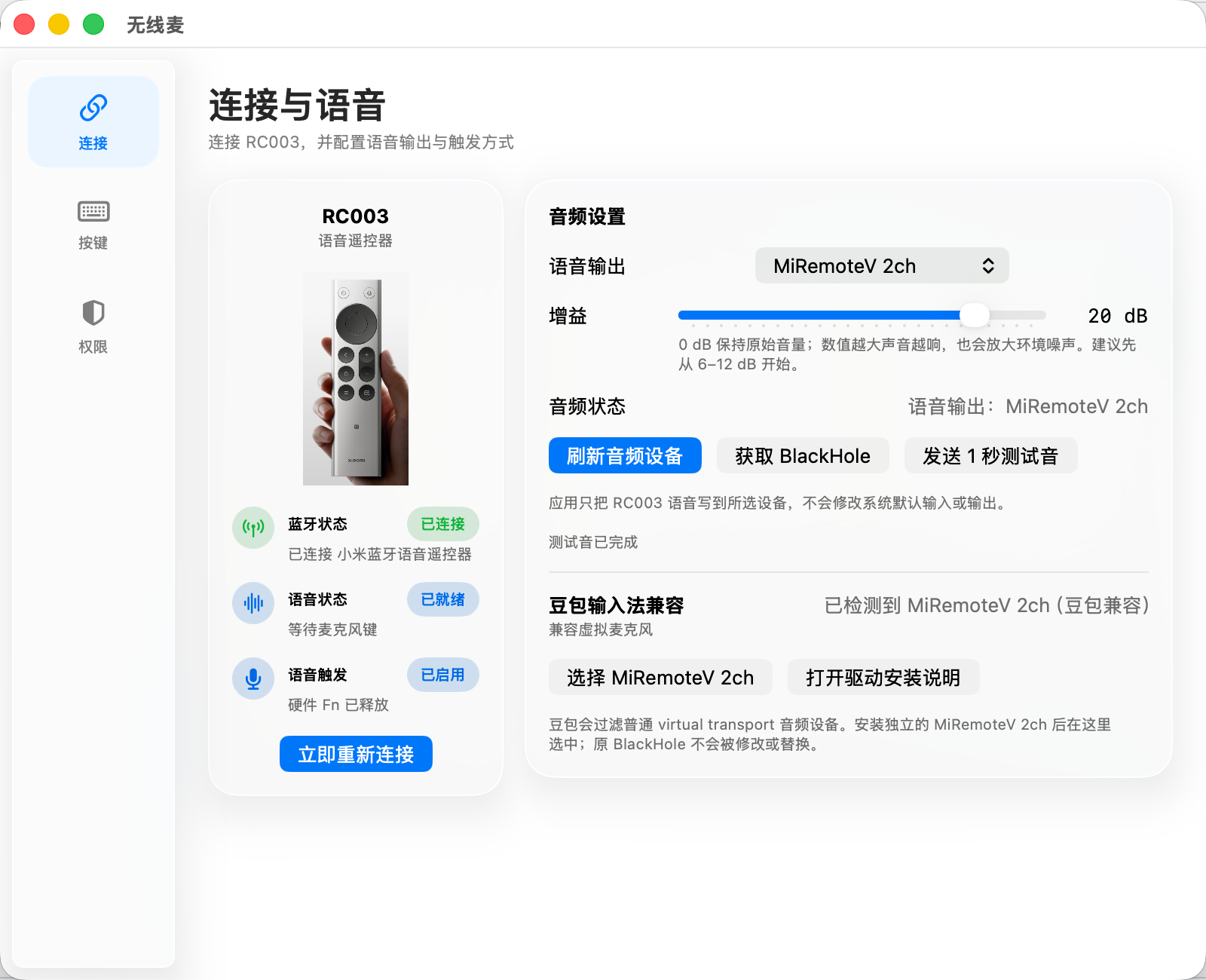
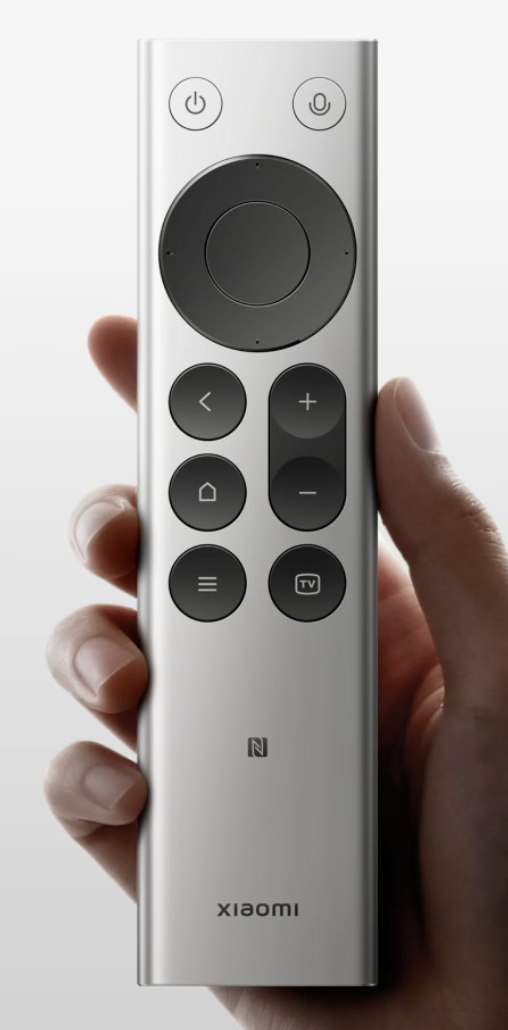
Remote Mic connects the RC003 microphone, directional pad, and confirm button to macOS. Open a coding tool, hold the voice button to dictate a prompt, then press Return to send it.
Use the familiar push-to-talk gesture. Speech stops when you release, with no microphone menus or on-screen controls to hunt down.
Launch Codex, cmux, Claude Code, Cursor, Xcode, and other tools from a physical button and keep complex prompts coherent.
Map direction, confirm, back, home, menu, TV, and volume buttons to single-click, double-click, or long-press actions.
Remote Mic does not upload or save speech, and its logs exclude voice content, Bluetooth addresses, and peripheral identifiers.
Explain context, constraints, and acceptance criteria without losing your train of thought.
Route speech to a loopback device without changing your system’s default input or output.
Keep using voice and common controls while sitting back or standing at your desk.
Pair a Xiaomi Bluetooth Remote 2 Pro / RC003 in macOS Bluetooth settings.
Open the DMG and run the recommended installer for the app and MiRemoteV 2ch.
Choose an audio device, hold the voice button, release when finished, then press confirm to send.
Connection, audio, button mappings, permissions, and privacy stay visible in one native settings window.
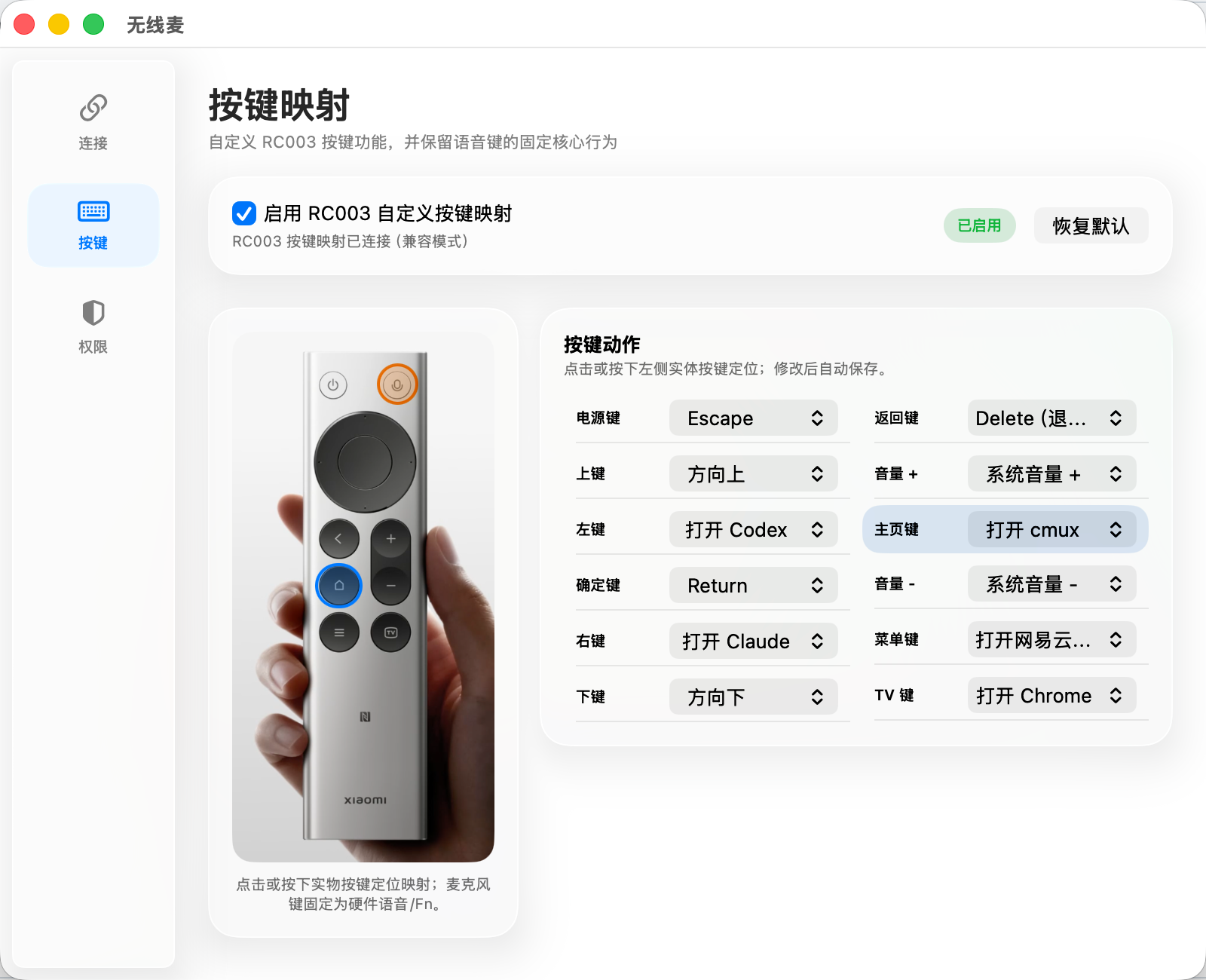
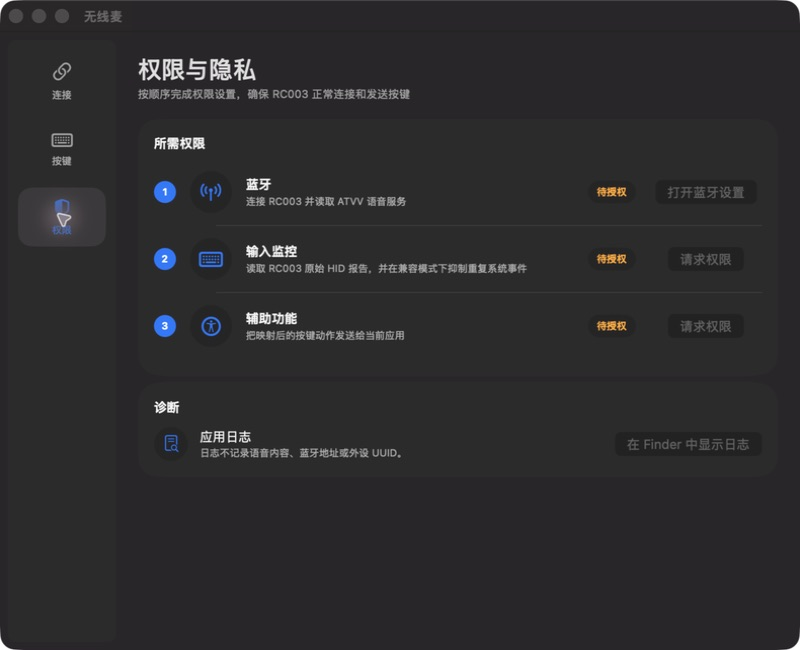
Voice data only exists in process memory and the audio route you select. Remote Mic has no cloud account and needs no server for its core features.
The current release supports Xiaomi Bluetooth Remote 2 Pro / RC003. Compatibility with other remotes is not promised yet.
No. Current releases require Apple Silicon and macOS 14 or later.
No. Remote Mic routes audio to the loopback device you choose; the speech-recognition tool is up to you.
Yes. The app, driver, and related code are GPL-3.0-only. The logo and app icon use a separate brand license.
Hold to speak. Release to stop. Keep long prompts flowing without breaking your Vibe Coding rhythm.
Download v1.6.9